

commit-helper (ch) #
A command-line tool to help run commands related to git commit in one go or use an interactive commit message builder.
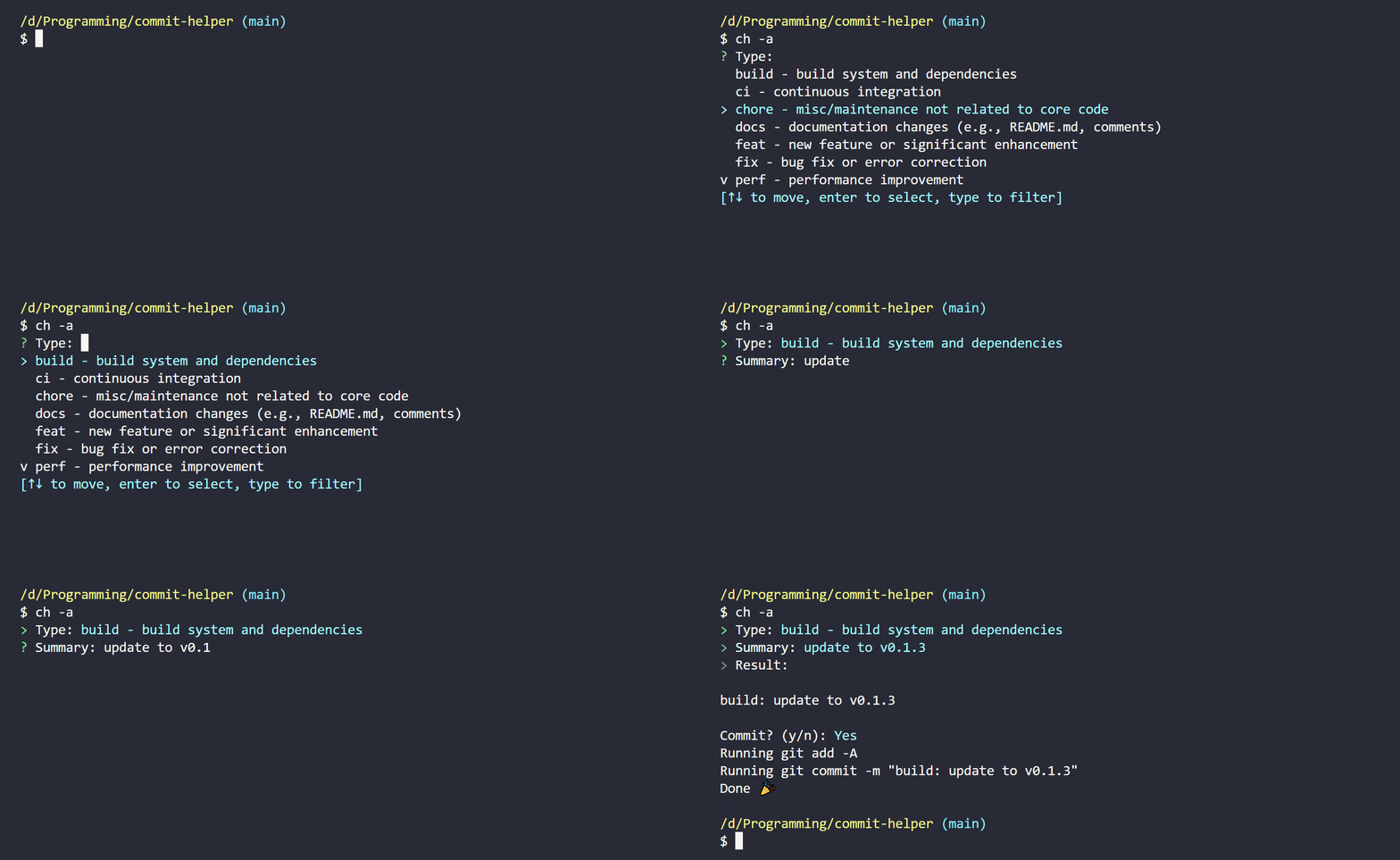
Installation #
Make sure you have Cargo installed, then run the following command in your terminal:
cargo install --git https://tangled.org/mueezkhan.com/commit-helper
Reference #
To run the interactive workflow, run ch in your terminal:
ch
--help or -h #
To get the help message, run ch --help or ch -h:
ch -h
--add or -a #
If you want to run git add -A before committing, use the --add or -a flag:
ch -a
--push or -p #
If you want to run git push after committing, use the --push or -p flag:
ch -p
--message or -m #
If you want to pass in a custom commit message (therefore skipping the interactive steps), use the --message or -m flag:
ch -m "feat: add new feature"
--clipboard or -c #
If you want to copy the commit message to your clipboard and skip committing and pushing:
ch -c
--debug or -d #
If you want to see the debug output, use the --debug or -d flag:
ch -d
Note: The debug output will not be printed if you use the
--dry-runflag.
--dry-run #
If you want to do a dry run without executing any commands, use the --dry-run flag:
ch --dry-run
--sign or -s #
If you want to run the -S flag when using git commit:
ch -s
Example #
If I want to run git add -A, then git commit -m "feat: add new feature", then git push all in one go, I could run the following command:
ch -m "feat: add new feature" -a -p
Equivalently to the above command, I may instead combine the short flags:
ch -apm "feat: add new feature"
Note: The order of the combined short flags does not matter, except for the
-mflag, which must be the last flag if you want to pass in a custom commit message after a combination of flags.