
bskyfeedctl #
This repository is my custom Bluesky feed generator
For now it hosts only a feed for posts related to the city of Lille (France). I don't represent or work for the city of Lille, this is just a side project for me.
How it works #
This basically implements the logic behind a custom feed for Bluesky as describe here. However in my case I am using the Go language instead of typescript for the feed generation logic.
Here is quick diagram of how it all works :
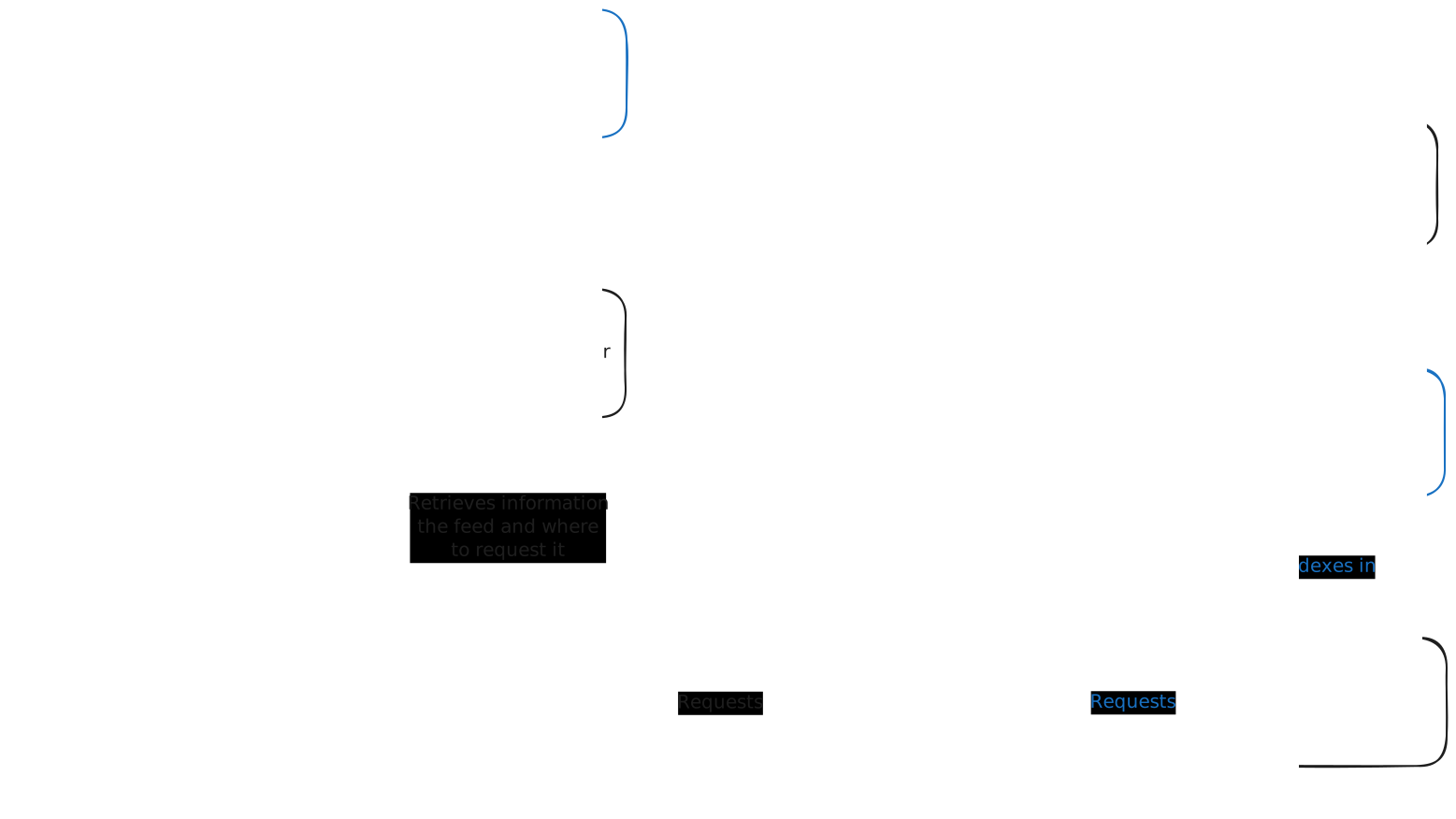
All of these components are built behind a single CLI blueskyfeedctl that handles all the necessary operations.
blueskyfeedctl indexerwill read from the firehose and index the posts inside a database (here elasticsearch).blueskyfeedctl publishwill allow the user to register the URL of the feed on its PDS so others can find it through Bluesky's UI.blueskyfeedctl serverwill start a server with the necessary endpoints to serve the feed, see its implementations or the Bluesky reference implementation for more details.
Installing #
A Nix flake ❄️ is available to make developing easier. All the necessary tools can be installed through it.
If you have direnv installed, you can simply direnv allow . and the flake devShell will be loaded upon entering the folder.
Building #
There are two buildable targets :
nix build=> will the binary underresultnix build .#docker=> will build a minimalist docker image with only the binary and certificate authorities. You can load it into a docker daemon usingdocker load < result
Setting up your feed #
Edit the code to build a feed that you like, you can take the feeds/lille.go as a reference.
Once you're happy with it you can test it locally using the seeder to inject test_data (from the indexer/test_data.json file).
Then when you are ready to deploy, you have to perform these steps :
First you should choose a domain name and register your feed. You can do so using the publish subcommand.
Be sure to configure correctly the CLI to publish what you want, you can find an example in config.dev.yaml.
You should also set these variables:
BSKYFEEDCTL_AUTH_HANDLE="atproto.handle" BSKYFEEDCTL_AUTH_APPPASSWORD="app_password_from_bluesky"
Next you must deploy the feed to a server :
The IaC code uses a combination of Terraform and Ansible to provision a VM with an IP and a DNS record, and deploy the stack to it. I am currently hosting this on a Scaleway VM, all IaC code in included in this repo but is very opinionated and probably not very reusable.
That being said, if you want to host your own copy on Scaleway, you can simply create a project with a container registry inside of it.
- Here are the required variables for Terraform :
project_id = "scaleway project id"
dns_zone = "scaleway dns zone"
- And for Ansible :
elastic_password: "password" # Don't forget to encrypt it with ansible-vault for example
ownerDid: "at://did:plc:<your_plc_id>"
feedDid: "did:web:<your_domain>" # This could probably be a did:plc but I did not bother with that for now
image: docker/image # Docker image to deploy
image_tag: v0.1.11 # Docker image tag
hostname: server_hostname # Hostname behind which your server will be hosted
acmeEmail: your_email_for_acme_certificate_validation
For Ansible this should be in the inventory folder if you're using the scripts.
With that in place you can simply run these command :
export SCW_ACCESS_KEY="scw_access_key"
export SCW_SECRET_KEY="scw_secret_key"
export SCW_DEFAULT_ORGANIZATION="scw_org_id"
export SCW_REGISTRY="scw_registry"
scripts/build_push.sh <image_tag> # This will build the image with nix and push it to the defined scaleway registry
nix run .#apply # This will apply the terraform and then run the Ansible. You might need to manually accept the host key the first time you run this.