
title: Getting Started order: 1 #
Getting Started #
Welcome to Thorium Nova! Everything you need to start playing is built in, so lets get started.
Starting A Flight #
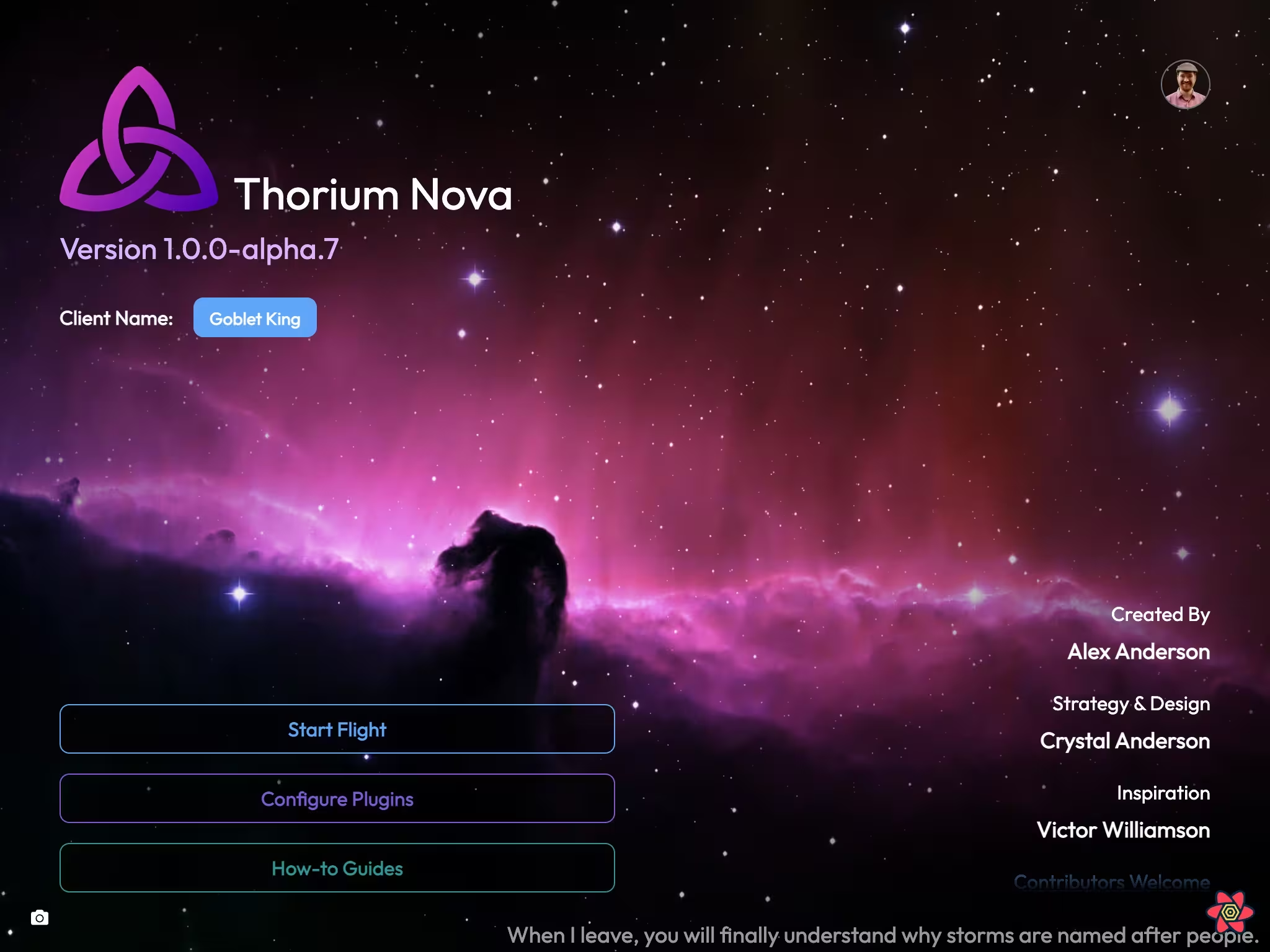
On the main page, click "Start Flight" to start a flight. There are three things you need to configure for starting a flight.
Crew Selection #

First, choose the number of players who will be playing on the bridge.
During the current alpha, you can only choose 1.
Click the up and down arrows to choose the number. The number of crew you choose will affect which ships you can fly on. Some ships require many crew members, while other ships can only support a limited number of crew.
The flight director isn't included in this number; check the box if you are playing with a flight director. If this is your first time, leave that box unchecked.
Ship Selection #

Next, choose the ship you want to fly with. The ship you choose will affect which missions will be available to you, based on the capabilities of the ship. This is also where you'll name your ship.
Mission Selection #

Finally, choose the mission that you'll play. Each mission has different storylines and characters. If you want to free-play, you can choose a starting location for your ship instead.
Station Assignment #
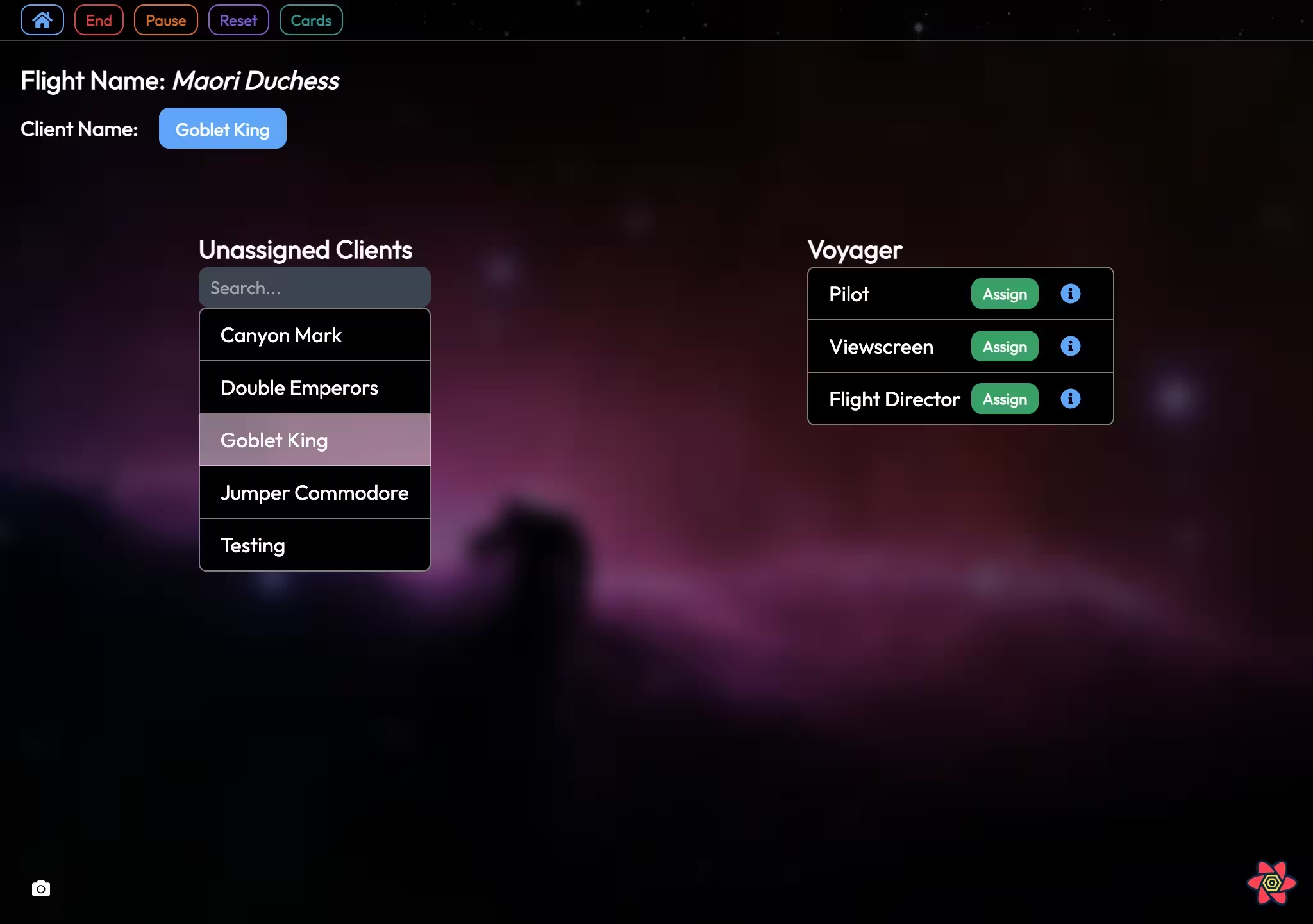
Once the flight has started, you'll be taken to the flight lobby. In the top-left you'll be able to end, reset, and pause/resume the flight. You'll want to make sure you resume the flight before the flight actually begins.
The game host can assign any client to any station, while each client can only choose the station for themselves. Once a client is assigned to a station (including the host), they'll immediately be taken to the station view.
Leaving Station Views #
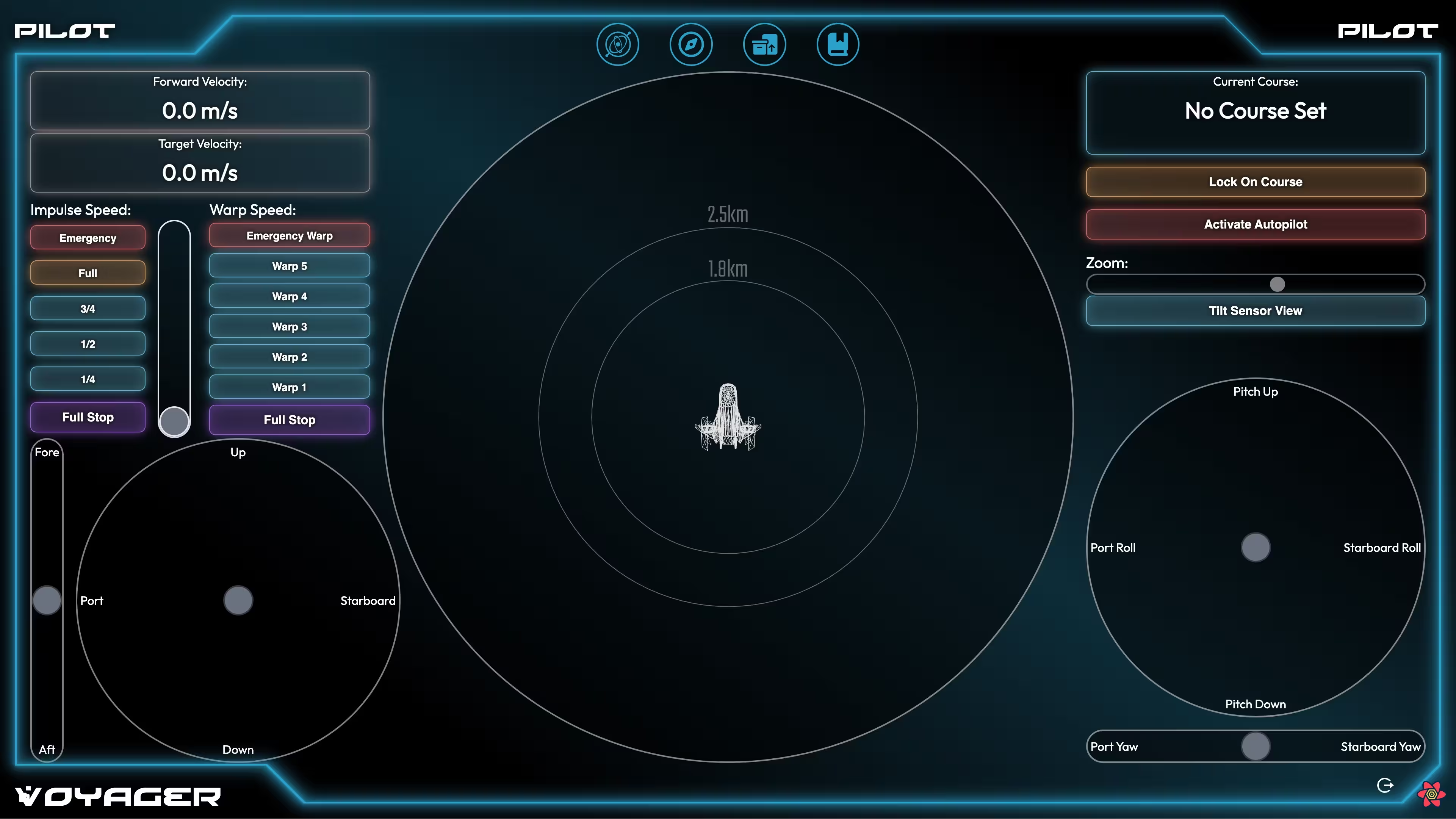
To keep crew members from leaving their stations in the middle of a flight, there are no buttons on the crew stations to return to the station picker screen. Instead, just hit esc to go back.
Connecting to the Host #
On the title screen for the host, the IP address should be visible. Enter this into a web browser (Chrome is preferred) on another computer to connect to the server. You can then assign yourself to a station, or wait for the host to assign you.
If another client is using the Thorium Nova app, they will automatically detect flights running on the network and can connect to them with the click of a button.